AI Hair Dye Simulator: Test Hair Colors Virtually
An AI hair dye simulator is useful for one simple reason: it lets you deal with uncertainty before the salon appointment instead of during it. Hair color changes often feel emotional. You might want something fresher, lighter, richer, or more polished, but the exact shade is hard to picture until it is on your head. That gap is where a simulator helps. By showing a believable preview on your own photo, it turns a vague idea into a decision you can actually evaluate. You can see whether a copper tone adds warmth, whether a cool brunette feels too harsh, or whether a lighter shade changes the overall balance of your face more than expected. It does not replace a stylist, and it does not guarantee the final chemistry. What it does offer is clarity, which is usually the part people need most before they commit.
What Is an AI Hair Dye Simulator?
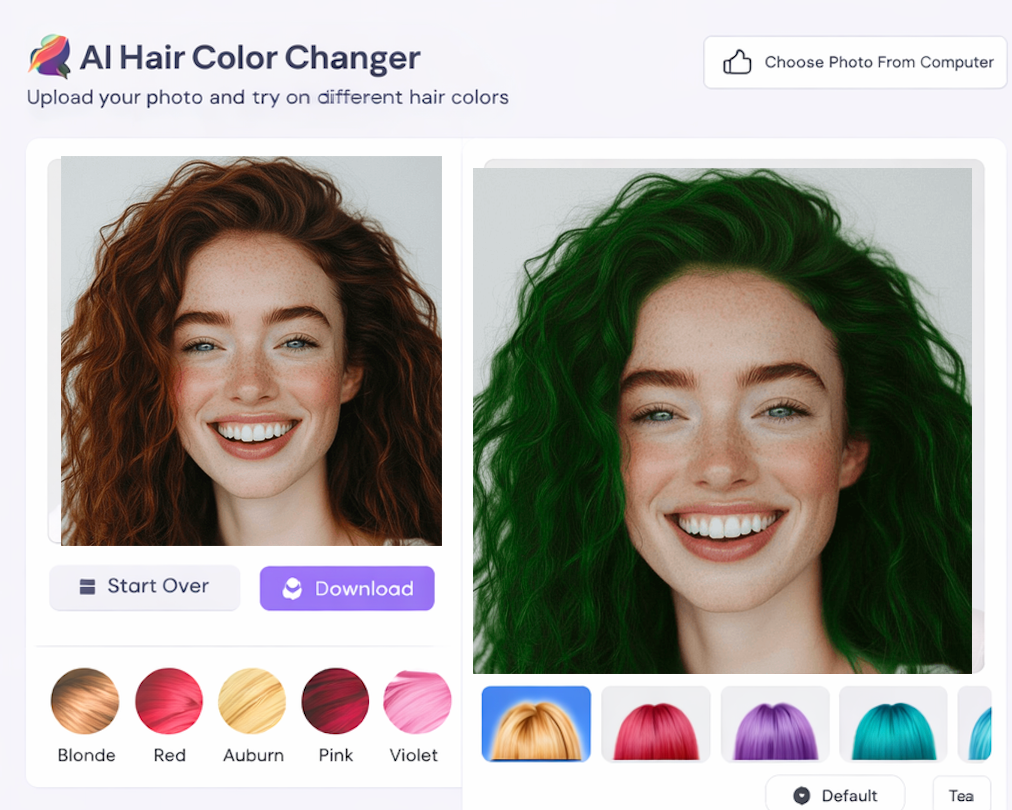
An AI hair dye simulator is a photo-based preview tool designed to show how different colors might look on your current hair. Unlike a simple color overlay, a stronger simulator tries to keep the haircut shape, tonal variation, and image lighting recognizable so the result feels like a plausible version of you.
That makes it especially useful before a salon visit. Instead of arriving with a vague description like "maybe warmer, but not too red," you can narrow your choices to a few visual directions and bring those into the conversation.
If you want the broader explanation of how these tools fit into the AI beauty workflow, read What Is AI Hair Color Changer.
How To Use an AI Hair Dye Simulator
Upload a photo where your hair is visible and not heavily filtered. Then test a few realistic shades first. If your current hair is dark brown, compare nearby options such as espresso, neutral brown, and soft auburn before jumping into silver or pastel colors. Those grounded comparisons tell you more about what actually suits you.
It is also smart to focus on feeling, not just accuracy. Ask whether the new color makes you look more polished, softer, sharper, or more high-contrast. A simulator is most helpful when it helps you describe the effect you want.
For a simpler how-to workflow that covers the same core process, see Change Hair Color Online Free.
Best Tools For AI Hair Dye Simulator Searches
The best simulator is not the one with the most extreme presets. It is the one that makes comparison easy. A strong tool should let you move quickly from one shade family to another, preserve some texture, and avoid obvious mistakes around the hairline.
Another useful sign is whether the preview still works for subtle shades. If a simulator can help you choose between dark mocha and cool brown, it is probably doing a better job than one that only looks convincing on loud fantasy colors.
For a more editorial breakdown of what separates higher-quality tools from weaker ones, check Best AI Hair Color Changer.
Tips Before Changing Hair Color
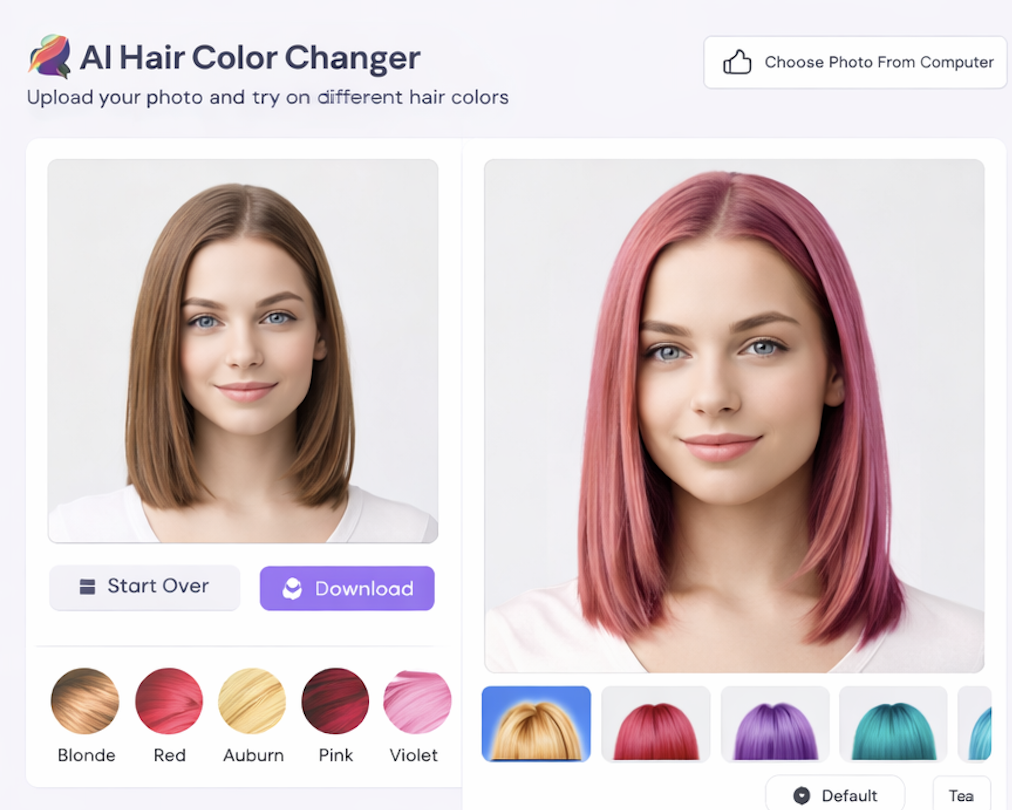
Think about maintenance before you fall in love with a preview. Brighter blondes, cooler tones, and high-contrast colors often ask for more upkeep than the image suggests. It also helps to compare your favorite preview with your current look side by side instead of viewing the new shade in isolation.
If you are planning a major change, save two or three candidates and wait a day. Distance makes it easier to tell whether a color truly feels like you or just feels new.
FAQ
Is an AI hair dye simulator accurate enough for salon planning?
Yes, for direction. It helps you refine the conversation and narrow options, even though it cannot account for every real-world coloring variable.
Can I test unusual colors too?
You can, and it can be fun. Still, the most practical value usually comes from comparing realistic shades that you would genuinely consider wearing.
What kind of photo gives the best preview?
A bright portrait with visible hair and minimal visual noise usually works best. Clean source images lead to more believable previews.
Is this better than browsing inspiration photos?
Usually yes, because it places the color on your own face. That makes the decision far more personal and useful.
Conclusion
An AI hair dye simulator is most valuable when you use it as a planning tool instead of a novelty toy. It gives you room to compare options, rule out bad fits, and walk into a real color decision with more confidence and less guesswork.