Change Hair Color on Photo with AI: Complete Guide
One of the easiest ways to explore a new look is to change hair color on photo files before you touch real dye. The appeal is obvious. You can see yourself with soft copper, deeper brown, brighter blonde, or cooler ash tones without salon costs, appointment pressure, or messy trial and error. More importantly, editing a real photo of yourself is far more useful than looking at inspiration pictures. A shade that looks perfect on a celebrity, creator, or salon model may feel completely different once it sits next to your own skin tone, haircut, and contrast level. That is why photo-based testing works so well for decision making. It brings the conversation back to your actual face. When the tool is good, you stop relying on imagination and start making a grounded comparison between realistic options that fit your personal style.
What Is Change Hair Color on Photo?
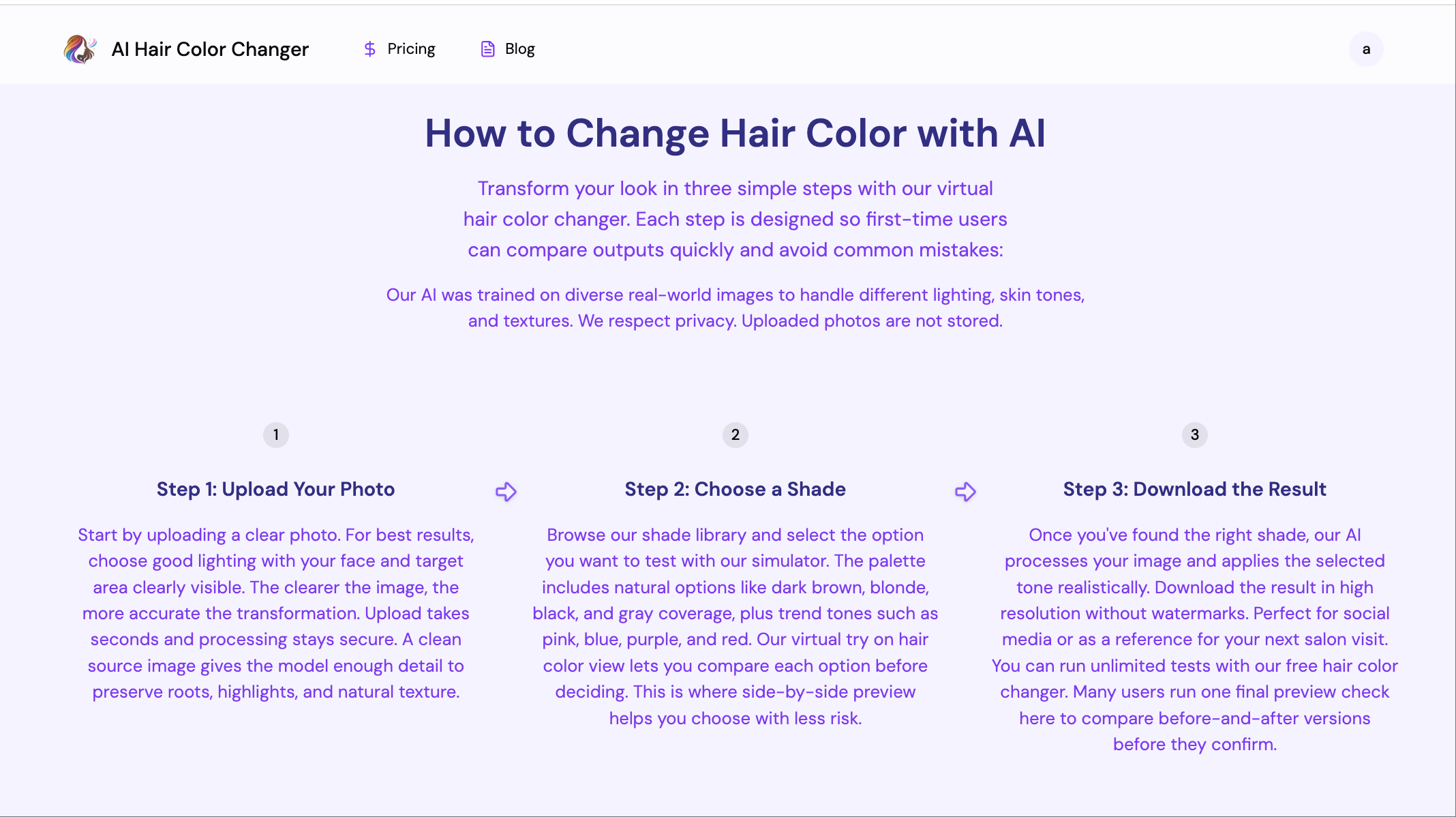
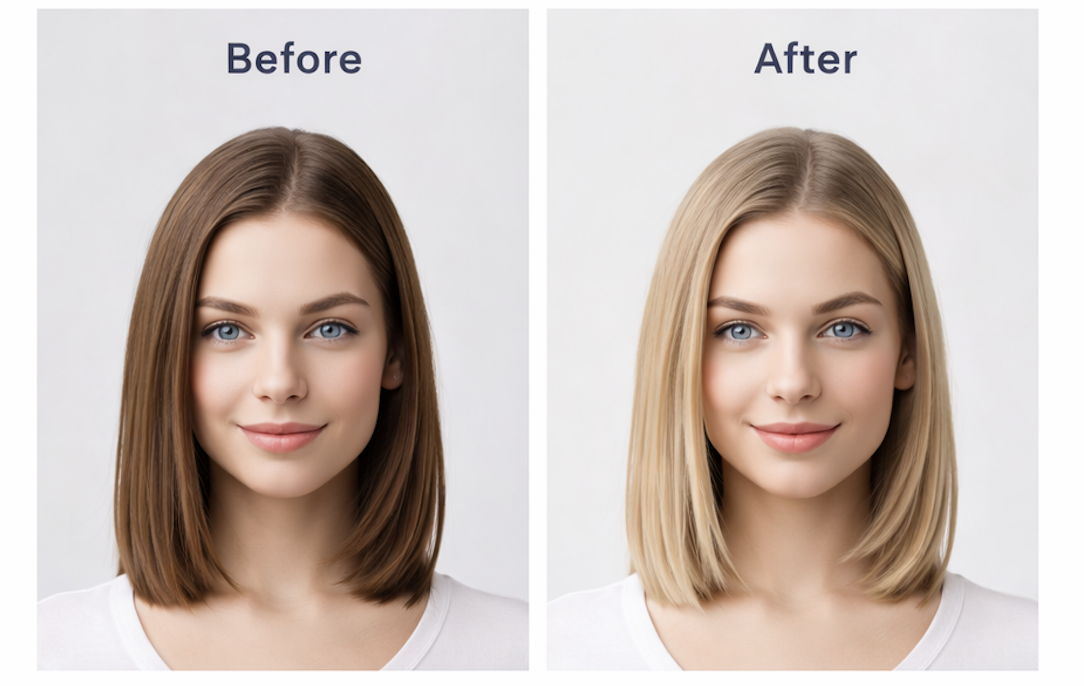
To change hair color on photo content means using software to preview a new shade on an existing image. In the past, this often meant crude manual editing that looked obviously fake. Modern AI tools are more useful because they can isolate the hair area with much better precision and keep some of the image's natural lighting and texture.
That makes the result helpful even when it is not perfect. You are not using the preview to replace a colorist. You are using it to see whether rich brunette, glossy black, honey blonde, or red-brown feels right on your own features.
For a more complete explanation of the product category behind these tools, see What Is AI Hair Color Changer.
How To Change Hair Color on Photo
Start by choosing a clean portrait where your hair is visible from root to length. Then upload the image to a tool that supports hair recoloring. Once the first result appears, avoid judging only the most dramatic option. Compare three or four shades that sit in the same general family. That is where real decision value comes from.
It also helps to review the edited image at a normal screen size. When you zoom too far in, you focus on technical imperfections. When you step back, you can judge the overall effect on your face, which is what matters in real life.
If you want a simpler practical walkthrough, this tutorial explains the basic flow clearly: Change Hair Color Online Free.
Best Tools For Change Hair Color on Photo Searches
The best tools do two things well. First, they separate hair from skin, background, and accessories without obvious mistakes. Second, they keep enough depth in the recolored hair that you can still read the haircut, movement, and shine. Flat previews can be fun, but they are less useful when you are trying to make a real decision.
Another sign of a strong tool is how easily you can compare subtle tones. The jump between platinum and blue is obvious. The harder and more valuable comparison is between mushroom brown, ash brown, and beige blonde. A better photo tool helps with those close calls.
For an editorial comparison of what generally makes these tools worth using, read Best AI Hair Color Changer.
Tips Before Changing Hair Color
Save multiple previews instead of trusting your first reaction. Sometimes the most flattering shade is not the one that grabs you immediately. It is also smart to compare your edited images in daylight and at night, because screen brightness can shift your impression more than you expect.
Keep your starting hair in mind as well. If your real hair is dark and previously dyed, a light result in a preview may still require several salon steps. The photo test is still valuable, but it is best used to choose direction rather than predict chemistry.
FAQ
Can I change hair color on photo files for free?
Yes, many tools let you test the workflow at no cost. The more important question is whether the preview is believable enough to help you decide.
Does AI work better than manual photo editing?
Usually yes for this task. AI tools are better at detecting the hair area quickly, which makes the process much faster for everyday users.
Should I use a selfie or a professional portrait?
A simple clear selfie is usually enough. Good lighting and visible hair matter more than having a highly polished image.
Can these tools show exactly how salon dye will look?
No. They are planning tools, not chemical simulations. Their value is in comparison and direction.
Conclusion
If you want to change hair color on photo files before making a real-world move, AI tools are one of the most practical ways to do it. They let you test ideas on your own face, compare nearby shades with less guesswork, and walk into the next step with a much clearer sense of what suits you.