Best AI Hair Color Changer Apps to Try in 2026
Picking a new hair color used to mean screenshots, salon guesswork, and a lot of second-guessing. In 2026, that part of the process is much easier because an AI hair color changer app can show a realistic preview before you commit to dye, toner, or a full makeover. That matters more than people think. Most color regrets do not happen because someone chose a "bad" shade. They happen because the shade looked different on a real face than it did in a trend post or salon chart. A strong app closes that gap by letting you test warm browns, cool blondes, coppers, reds, or darker glosses on your own photo. The real value is not entertainment. It is decision support. When an app helps you compare a few believable options quickly, you can walk into a salon or start an at-home change with a much clearer point of view.
What Is an AI Hair Color Changer App?
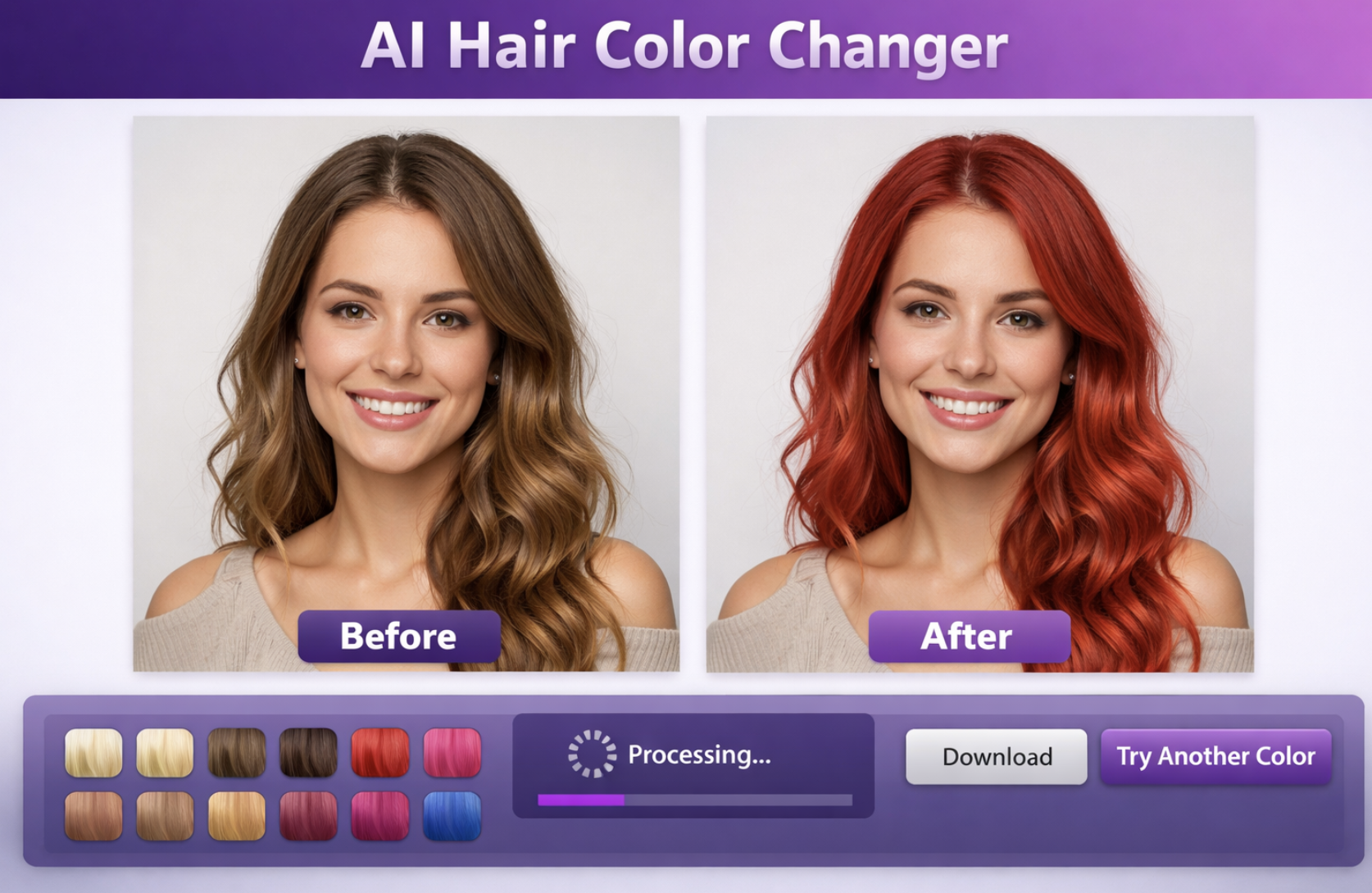
An AI hair color changer app is a tool that analyzes your photo, identifies the hair area, and applies new shades in a way that keeps the haircut, lighting, and facial context intact. The goal is not to create a perfect chemical prediction. The goal is to make the preview believable enough that you can judge whether a color direction suits you.
That distinction matters. People rarely need exact salon math when they first explore a new look. They need to know whether soft black feels too heavy, whether caramel lifts the face, or whether auburn brings more warmth than they expected. A useful preview gives answers to those questions before money and maintenance enter the conversation.
If you want the foundation behind this category, this overview explains the concept clearly: What Is AI Hair Color Changer.
How To Use an AI Hair Color Changer App
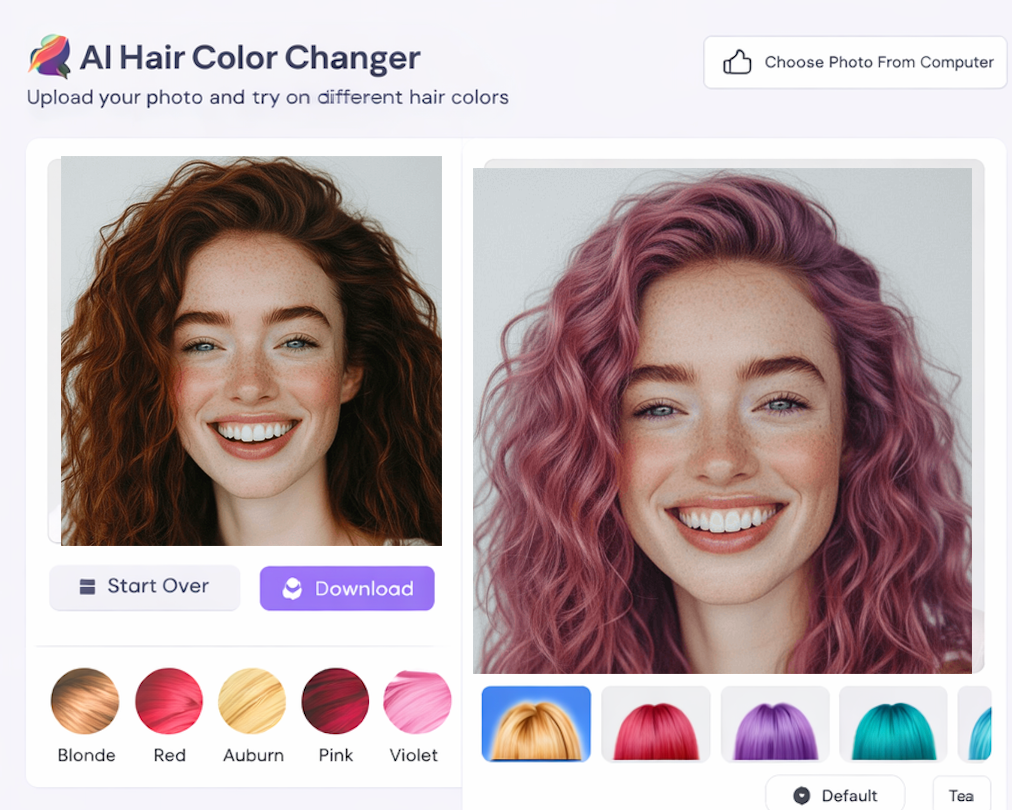
Start with a clear photo where your hairline, length, and texture are visible. Soft daylight works best because it keeps shadows from flattening the preview. Once you upload the image, resist the urge to test ten dramatic colors at once. Begin with a small comparison set: one shade close to your current color, one warmer option, one cooler option, and one bolder look if you are curious.
Then compare the results with a practical eye. Ask whether the shade changes your contrast, whether it makes your skin look brighter or duller, and whether it still fits the haircut you have now. That process is more useful than chasing a single "perfect" frame.
If you want a simpler walkthrough of the upload-and-preview flow, this guide is a good companion: Change Hair Color Online Free.
Best Tools For AI Hair Color Changer App Searches
The best AI hair color changer app is usually the one that helps you decide quickly, not the one with the flashiest interface. A good tool should preserve natural depth in the hair, avoid coloring the background or skin, and let you test multiple shades without friction. When a preview looks flat or overly painted, it stops being useful because you are reacting to a gimmick instead of a realistic direction.
Usability matters too. If you can upload a photo, swap colors in seconds, and compare results without extra cleanup, you are more likely to keep testing until the right shade stands out. In practice, convenience is part of quality.
For a broader editorial look at what separates stronger tools from weaker ones, see Best AI Hair Color Changer.
Tips Before Changing Hair Color
Treat the app as a planning tool, not a promise. If your hair is very dark, previously dyed, or heavily highlighted, real-life results will still depend on lifting, tone correction, and maintenance. What the preview does well is narrow the direction so you stop wandering between unrelated ideas.
It also helps to review your saved previews later instead of deciding immediately. A color that feels exciting in the first minute can look exhausting the next morning, while a softer tone often grows on you. Another good habit is comparing colors within a family, not just picking isolated shades. Looking at espresso, chestnut, and chocolate together tells you more than randomly testing black, silver, and magenta.
FAQ
Are AI hair color changer apps accurate?
They are accurate enough to help with direction, especially when you upload a clean photo. They are less about predicting exact dye chemistry and more about showing whether a shade family works with your face and haircut.
Should I use an app before going to a salon?
Yes. It gives you a more concrete reference, which usually leads to a better conversation with a stylist. Instead of describing a vague idea, you can show two or three looks that feel close.
Can these apps test both subtle and dramatic colors?
Usually yes. The most useful way to work is to test subtle colors first, then compare one or two dramatic options so you can see how far you actually want to go.
What makes one app better than another?
Believable masking, natural texture retention, and a fast workflow matter more than novelty. If those basics are weak, the preview rarely helps you decide.
Conclusion
The reason people keep searching for the best AI hair color changer app is simple: it removes a lot of uncertainty from a change that feels personal and visible. The strongest apps help you compare real options on your own face, rule out the wrong direction early, and move into a salon visit or at-home color plan with more confidence. That kind of clarity is much more useful than a trendy but empty preview.