AI Hairstyle and Hair Color Simulator Guide
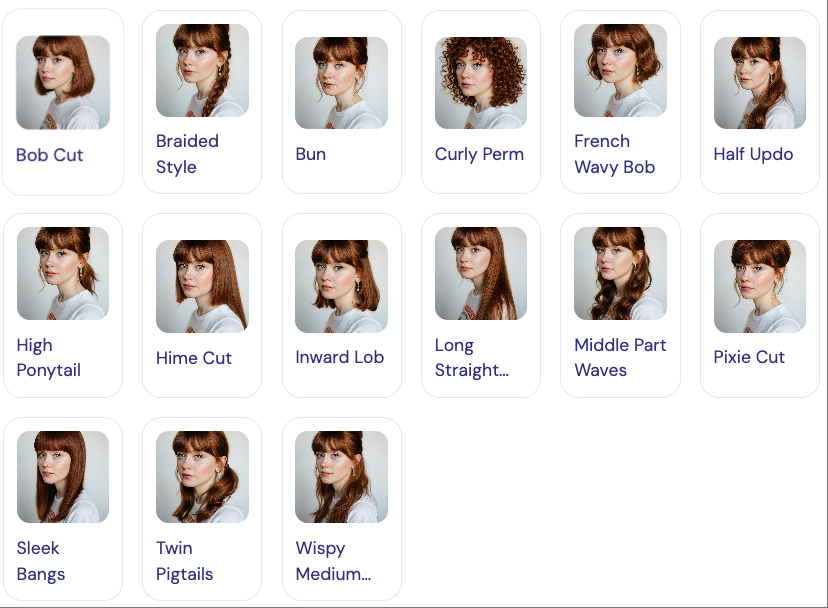
Sometimes the real decision is not just the hair color. It is the combination of haircut and color together. A new shade can feel completely different on a bob than it does on long layers, and bangs can change how a color frames the face just as much as tone does. That is why an AI hairstyle and hair color simulator is so useful. It lets you look at the full visual equation instead of testing one variable at a time. For anyone debating a bigger change, that matters a lot. You may think you want a brighter blonde, then realize the real shift you like is a softer cut with a richer brunette. Or you may discover that a smaller color update works beautifully once the hairstyle changes. A combined simulator helps you see those interactions early, which makes the final decision more thoughtful and far less random.
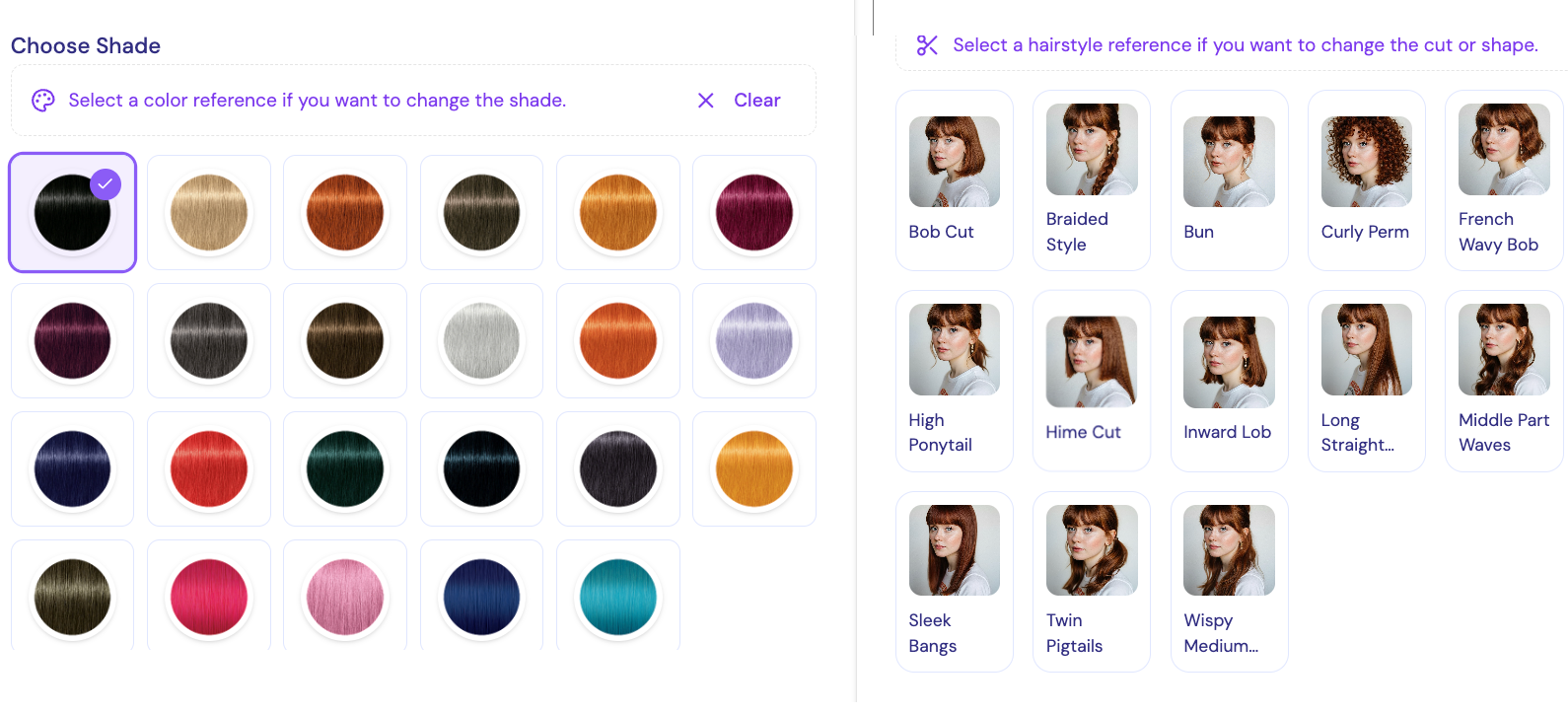
What Is an AI Hairstyle and Hair Color Simulator?
This type of simulator combines two preview tasks: hairstyle visualization and hair recoloring. Instead of only showing a new shade, it also helps you see how length, volume, or overall silhouette may change the way that shade feels. That is especially valuable when you are planning a major refresh rather than a simple tonal adjustment.
The strongest simulators are not perfect, but they are good enough to reveal relationships. They show whether a shorter cut makes a darker color feel sharper, or whether a longer style softens a brighter tone.
If you want the base context for the hair recoloring side of this experience, start with What Is AI Hair Color Changer.
How To Use an AI Hairstyle and Hair Color Simulator
Begin with a clear front-facing photo and decide which variable you want to test first. In most cases, it helps to keep one thing stable. For example, preview two hairstyle options with the same hair color before changing both at once. Then, once one haircut direction stands out, test a few shades within that frame.
This approach keeps the process readable. If you change everything at the same time, it becomes harder to tell whether you like the color, the cut, or just the novelty of a completely different image.
For a more basic workflow focused on color previewing, this guide is still useful: Change Hair Color Online Free.
Best Tools For AI Hairstyle and Hair Color Simulator Searches
The best tools make side-by-side comparisons easy. They do not just generate one dramatic makeover. They help you compare several realistic combinations and understand why one works better than another. A good simulator should also keep facial proportions stable enough that the result still feels like you.
Another sign of a useful tool is restraint. Overly stylized previews can be entertaining, but they are less helpful for a real decision. Better tools support believable experimentation.
For a broader look at what generally makes AI preview tools worth using, see Best AI Hair Color Changer.
Tips Before Changing Hair Color
If you are changing both color and cut, decide which one matters more to you emotionally. That priority helps keep your testing focused. It also helps to save the most believable combinations and show them to a stylist instead of relying on one extreme preview.
Remember that hair density, texture, and styling habits will still affect the real outcome. The simulator is best used to narrow direction, not to set rigid expectations.
FAQ
Should I test hairstyle and color together?
Yes, especially if you are considering a big change. The two choices influence each other more than most people expect.
Is it better to change one variable at a time?
Usually yes. That makes it easier to understand what you actually like and why.
Can a simulator replace a stylist's advice?
No, but it can make your consultation much clearer. You can show combinations that already feel close to the result you want.
What kind of image works best?
A clear front-facing photo with visible hair and neutral lighting is usually the easiest for simulators to process well.
Conclusion
An AI hairstyle and hair color simulator is valuable because it helps you evaluate the full look, not just one isolated change. When you can test cut and color together, the final decision becomes more coherent, more personal, and much less dependent on guesswork.